


To use some Geoapps, a subscription of variable duration is required: monthly or annual.
To subscribe to the chosen plan, simply click on “Subscribe” (Sottoscrivi) in the top menu: On the page that opens, you will be able to select the desired plan:

On the page that opens, you will be able to select the desired plan:
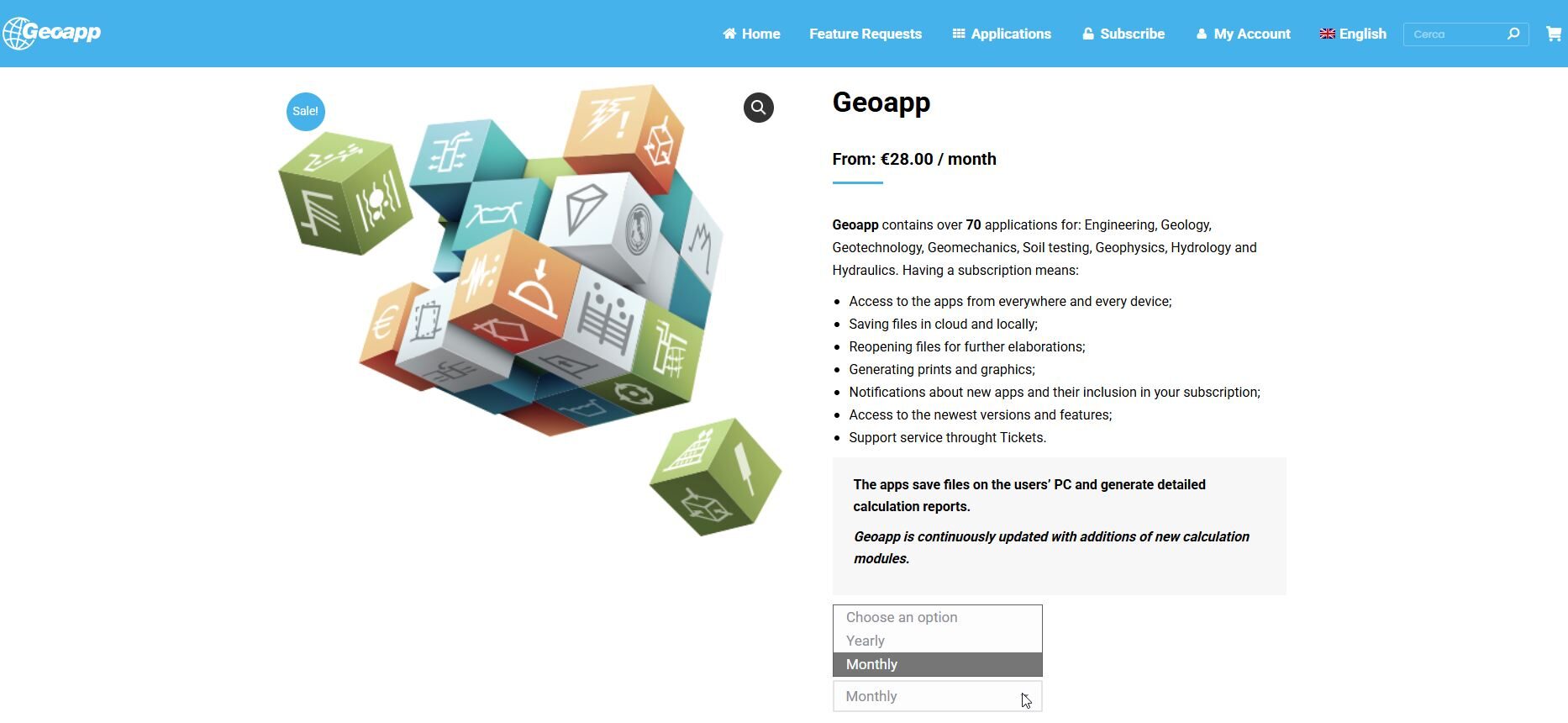
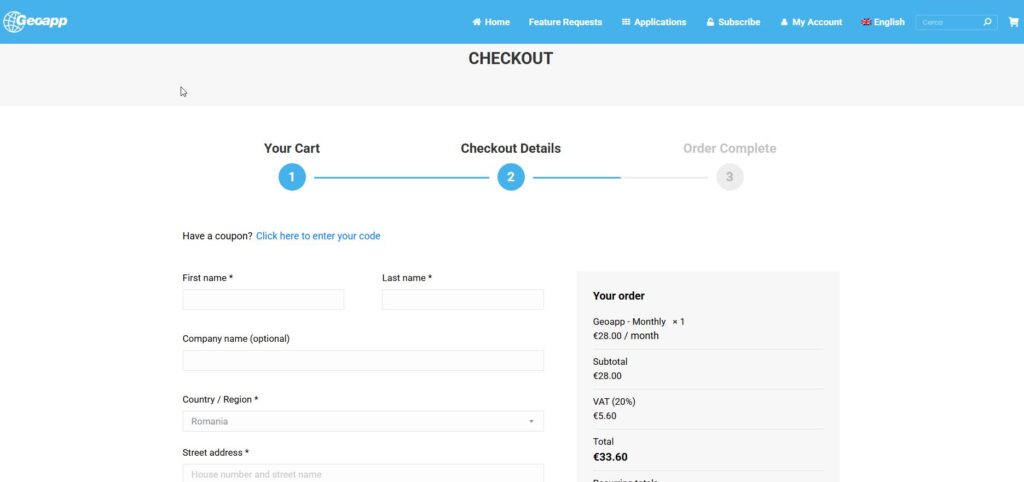
After pressing OK, you can proceed to checkout by entering your billing details and, if not already done, setting a password: the Service account will be created.
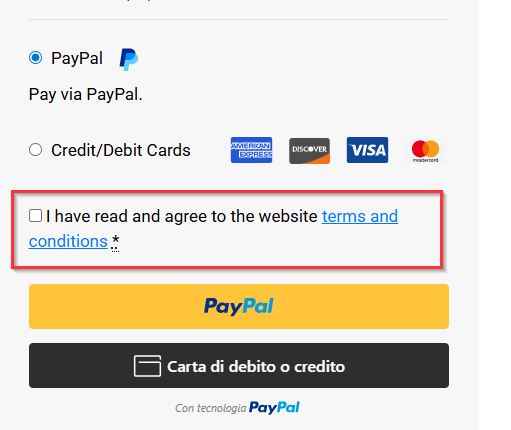
Before completing the payment, it is mandatory to carefully read the Terms and Conditions of Service. The accepted payment method is PayPal, credit or debit card:
User Area
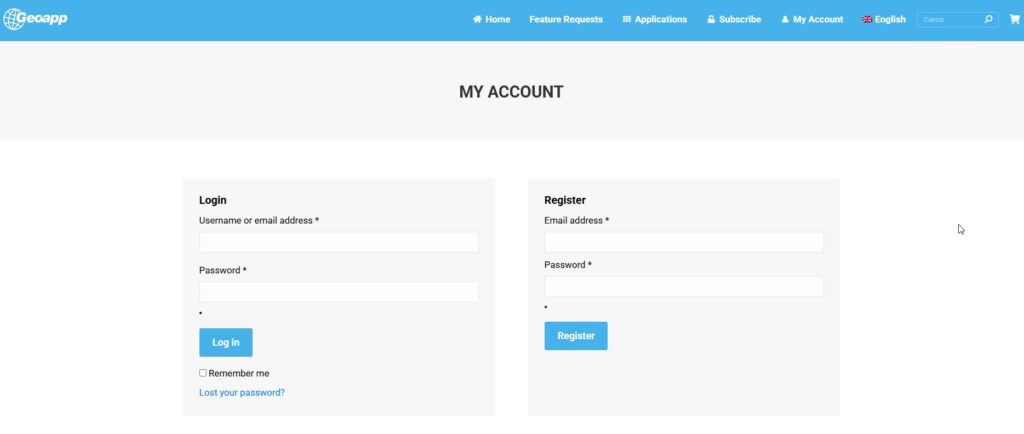
You can also register on the portal without making a subscription. To log in or register, you need to click on “My Account” (Il mio account) in the main menu:

The page will open from which you can Log in (on the left) to your account, if already registered, or Register (on the right):
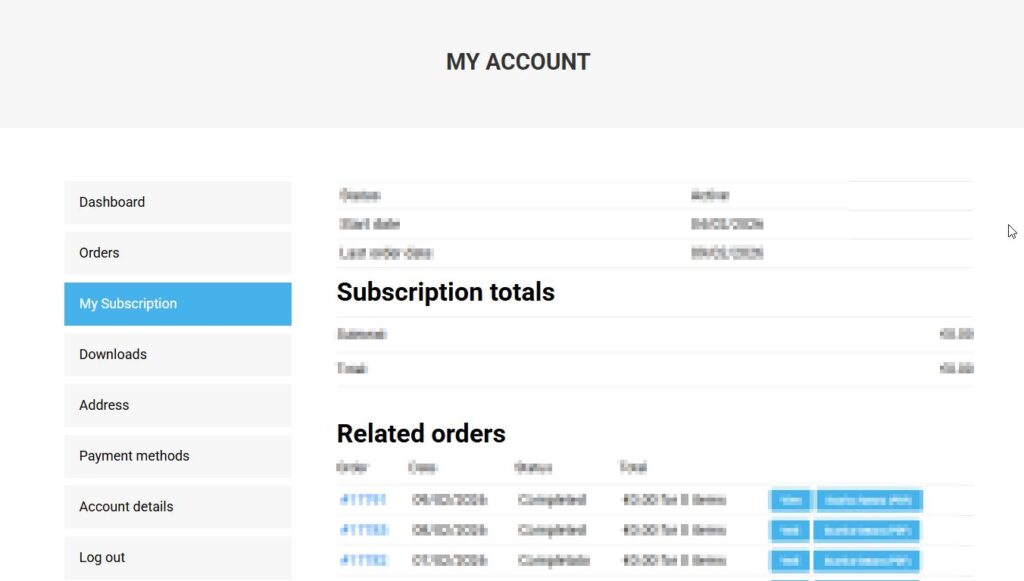
Once logged in, you access your personal area where you can check:
-
Orders placed;
-
Subscriptions to check their status, order number, next payment, total, or the command to cancel the subscription.
Important: the subscription renewal occurs automatically and if cancellation is not made on the expiration date (or the day before), an automatic payment will be made and the service renewed. Therefore, it is recommended to manually cancel the subscription if you do not want to renew, only close to the expiration date. At the moment of cancellation, the termination of the service is immediate and the remaining period (if any) is lost.
-
Addresses: you can modify your billing address;
-
Account details, where you can modify your personal data, login password, email, and activate or deactivate the notification email for a new app;
-
Logout.